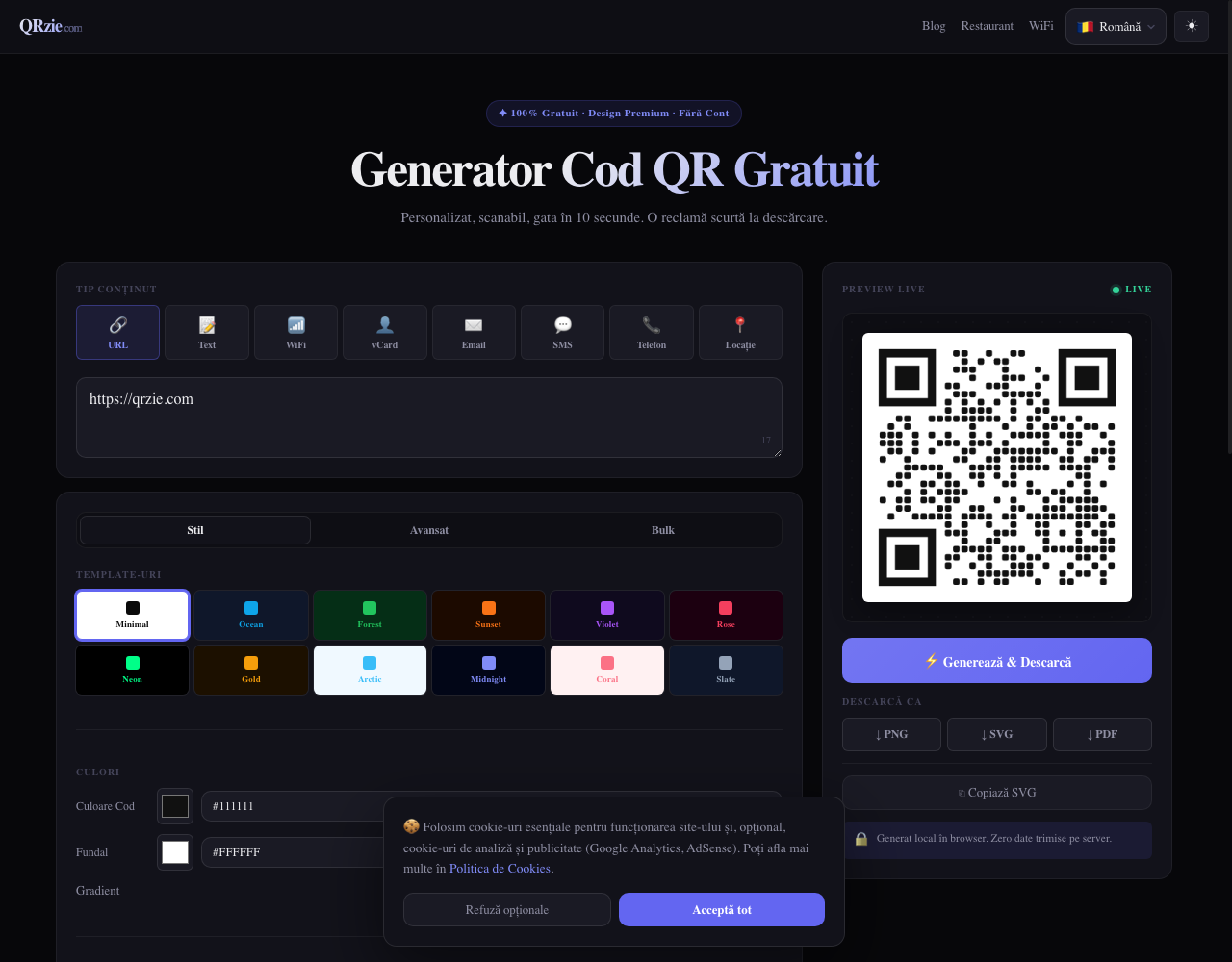

Every dynamic-QR vendor in our index asks for some amount of trust: their server hosts your redirect, their database logs your scans, their subscription decides whether a printed code keeps working. QRzie is built on the opposite premise. The code is generated in your browser, nothing is sent anywhere, and once the file is on your disk, the site has no further role in your code’s life.
That claim is testable from the outside, so this review starts where our methodology likes to start: with a check.
The local-generation claim, tested
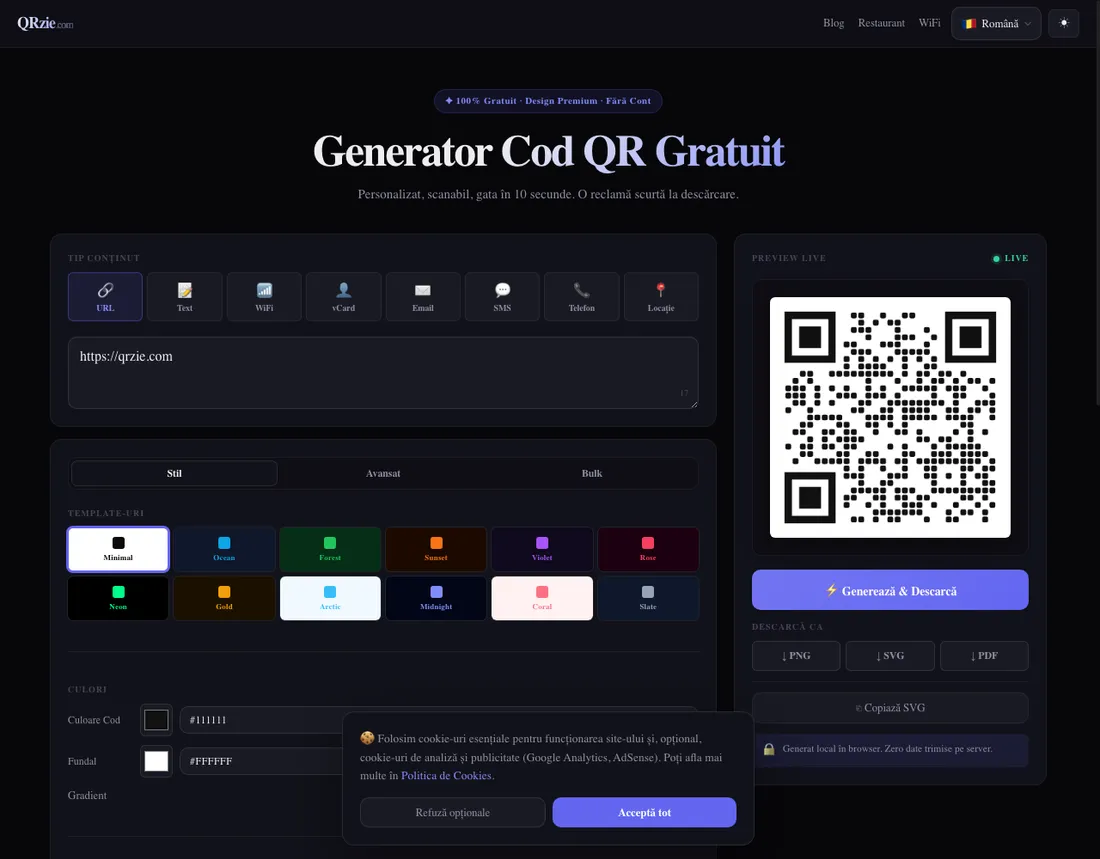
QRzie’s generator states its promise on the page, in Romanian: Generat local în browser. Zero date trimise pe server. Generated locally in the browser, zero data sent to the server.
On August 11, 2026 we opened the rendered generator, typed a marker URL we control into the content field, and watched the page’s network log while the preview re-rendered into a new code. Zero requests left the page during generation, and none in the session contained our marker. One outside test does not audit a codebase, but it is exactly what the claim predicts, and it is more verification than a privacy claim usually offers.
The consequence is the point: a static code whose destination never touched a server cannot be paused, expired, throttled or held hostage. The failure modes this site documents across the market are structurally absent here.
What QRzie is
A free static generator with more design range than free usually buys: eight content types (URL, text, WiFi, vCard, email, SMS, phone, location), dot and corner styles, gradients, a logo upload up to 2 MB, twelve templates, and a bulk tab. Exports run to PNG, SVG and PDF, covering the vector files print shops ask for. There is no account, no signup, and the interface ships in eight languages including English, French, Spanish and German, though the site’s editorial copy is Romanian-first.
The funding is a short ad at download, shown to you once, not to the people who scan your code. That is worth naming because it is the mirror image of ME-QR’s model, where the scanner watches the ad.
The trade-offs, by design
Static only. Local generation makes dynamic codes structurally impossible: there is no server to host a redirect, so there is no editing a destination after printing and no analytics, ever. That is not a missing feature; it is the price of the architecture, and the architecture is the product.
And one person runs it. The site is operated by an individual developer in Romania, with legal pages in order and no company behind them. We dock trust for the sustainability question every solo project carries, while noting the elegant hedge built into the design: if qrzie.com goes away, every code it ever generated keeps working, because none of them ever depended on it.
Who it fits, and who should skip it
QRzie fits anyone whose priority is that the destination stays private and the code stays alive: sensitive URLs, internal links, codes for documents and equipment, and every printed static use where you want zero third parties in the chain. It is also simply a pleasant free generator with good design options and vector export.
Skip it if you need to edit destinations after printing, count scans, or standardize a team on a supported product with a company behind it. Those needs point at the dynamic half of our index, where Hovercode is the cleanest free start and the full ranking sorts the paid options.
Alternatives worth comparing
For free static with the largest export and a hands-on decode test on record, QR Code Monkey is the reference, and Adobe Express is the suite-native option with Adobe-grade longevity behind it. Both send your URL to a server to render the code, which is normal and fine for most uses; QRzie exists for the uses where it is not. Our free generators guide maps the whole free landscape, traps included.