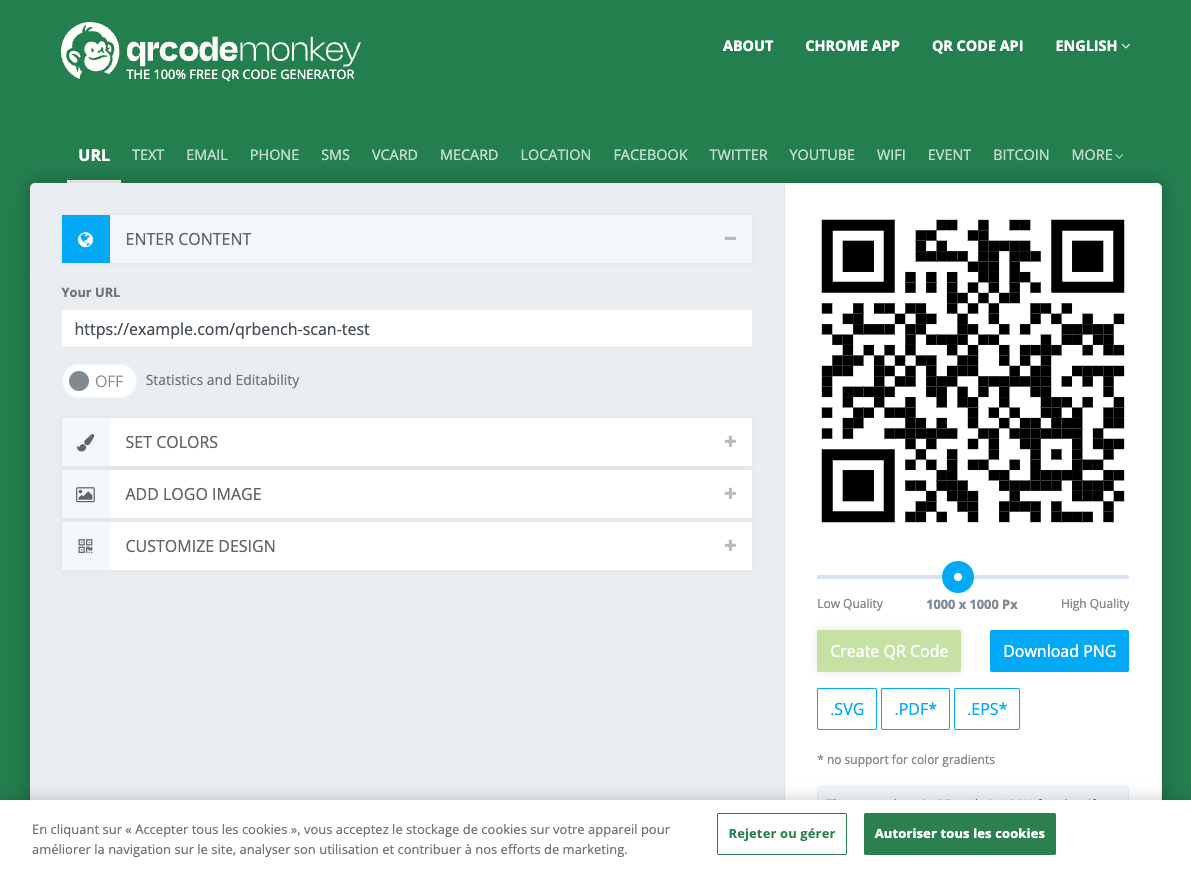

Ask where to get a QR code that nobody can switch off, and QR Code Monkey is the name that comes back. In the r/graphic_design thread about an expensive lock-in lesson, it is the first tool named in the replies. It shows up again in craft tutorials aimed at people cutting codes out of vinyl, where a subscription on a $12 product makes no sense at all.
The product under the reputation is narrow. A free static generator, operated from Germany, with no account and no way to change a destination once it is printed. We generated, downloaded and decoded a code on August 7, 2026 to see whether the reflex is still justified.
What QR Code Monkey is
QR Code Monkey makes static QR codes. The destination is encoded directly into the pattern, so there is no redirect, no short link, and no server sitting between the person scanning and your page. Nothing in the middle means nothing to pause, throttle or bill you for later. It also means the destination is permanent.
Fourteen content types are supported: URL, text, email, phone, SMS, vCard, meCard, location, Facebook, Twitter, YouTube, WiFi, event and Bitcoin. That is a wider list than most free tools, several of which only accept a URL.
The design side is where it beats tools that charge money. Colors, custom body and eye shapes, a logo library plus your own upload, saved templates, and a resolution slider. Exports run PNG, SVG, PDF and EPS on the free tier, which matters more than pixel count when you hand artwork to a printer.
The business model explains the rest. The generator is free because dynamic codes, scan statistics and campaign management are sold on a separate paid platform, reached through the “Get More” upsell in the editor. Dynamic is not a locked tier of this product. It is a different product. That structure is also why nothing here can be paywalled retroactively: there is no account holding your codes.
What we tested on August 7, 2026
We pasted a test URL, set quality to high, clicked Create QR Code, then clicked Download PNG. No account, no email, no card. About a minute end to end.
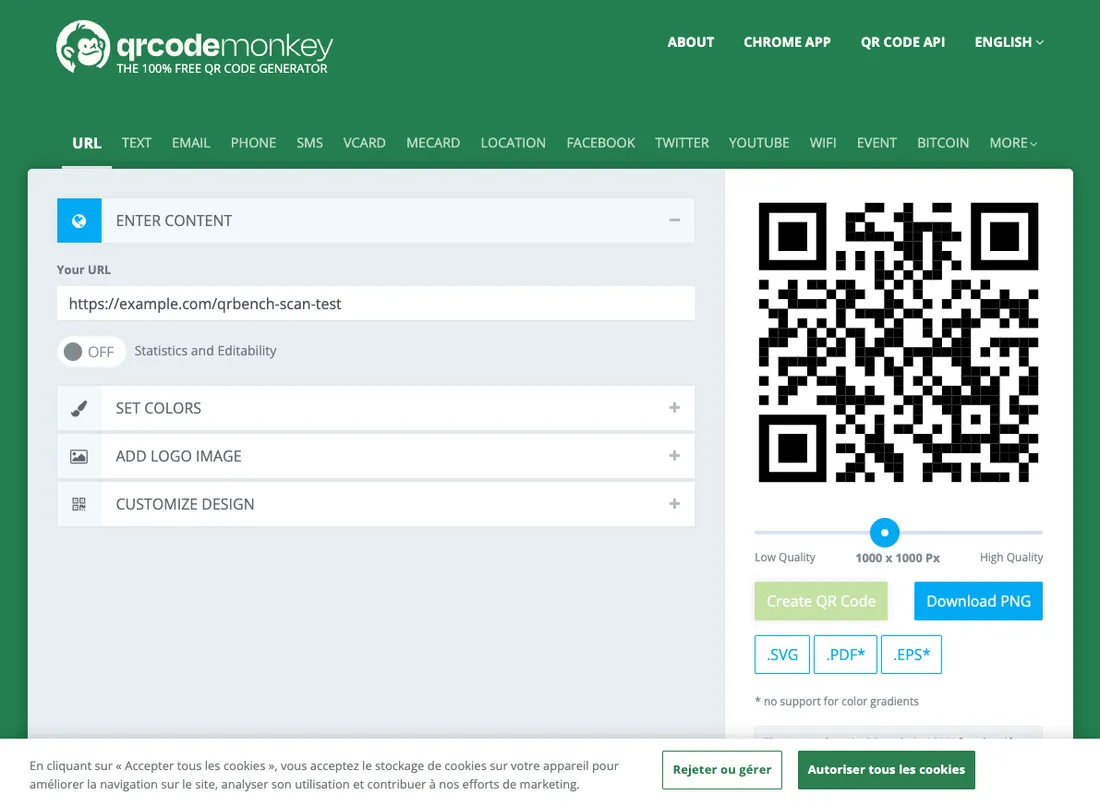
The file came out at 1155px. We decoded it ourselves rather than trusting the preview, and the pattern resolved to our destination URL and nothing else. No watermark on the image, no qrcode-monkey.com anywhere in the payload.

One piece of friction is worth naming. That extra Create QR Code click is not standard. Several generators render the code live and let you download straight from the preview; here the preview updates as you edit, but the download button stays inert until you press Create. It costs one click and a couple of seconds, and it is the sort of thing people miss on their first visit while the preview sits there looking finished.
Vector exports behave, with one exception we hit in testing: gradient fills do not survive PDF and EPS. If your code uses a gradient and the job is going to a printer as vector, flatten to solid colors first or ship the PNG.
On resolution, 1155px is comfortable for a business card, a table tent or a shop window sticker. For large format it is thin. The highest free static export we measured that same day was 3020px plus SVG, so the gap is real, though SVG closes it for anyone whose printer accepts vector.
Is QR Code Monkey safe?
Yes for static codes, and you do not have to take our word for it, because the claim is testable in two minutes.
Decode the downloaded file with a scanner that shows its full encoded text before opening the link. Compare that URL with the one you entered, including the path and query parameters. The file we tested on August 7, 2026 contained our destination URL directly, with no vendor short link substituted for it.
If the decoded URL differs, identify the redirect service and check its terms before printing. A short link may be free or paid; its continued operation depends on the service behind it. If you entered a short URL yourself, that dependency remains even when the generator encodes it exactly. Read the encoded text rather than the browser’s final address, which may already have followed redirects. Your destination page also needs to stay online.
Correction, September 11, 2026: this section previously claimed that different QR patterns proved a redirect and that comparing images had validated our test. That was wrong. The same URL can produce different patterns depending on the mask, version and error correction level, as the Nayuki encoder documentation explains. Our evidence is the decoded file described above; image comparison cannot establish whether a generator substituted a redirect URL.
QR Code Monkey answers the expiry question itself, in public, on its X account: static codes do not expire. Our decode agrees with the vendor’s own answer, which is a sentence we do not get to write often in this market.
Three reservations, stated plainly.
The absence of a watermark is verified by test, not by written policy. We checked the downloaded file and it was clean. We did not find a published commitment that free codes will never carry one, so what we can tell you is what the file contained on August 7, 2026, not what the company has promised for next year.
The site shows ads, including for its own paid sibling. They live in the interface, around the editor. They are not in your code: we decoded the output and it held the destination URL, nothing else. Ads on a page and ads served to the people who scan your code are different problems, and the second one exists in this market. ME-QR finances its free tier with interstitial ads shown to your scanners, verified the same day. QR Code Monkey does not do that.
The GDPR posture is unclear. The company is in Germany, which is a reasonable starting point, but we found no dedicated data-processing page in our pass. For a static generator the practical exposure is small, since the finished code never calls home. If you need documented processing terms on file, this is a gap rather than a reassurance.
The limits: no dynamic, no analytics
The ceiling here is structural, not a pricing decision. Dynamic features and analytics sit at the bottom of its score breakdown above, and those two criteria are why an otherwise strong tool is scored on the same grid but listed outside the numbered ranking, with the other static-only generators, since methodology version 1.1.
Once a static code is printed, the destination is frozen. Reprint or nothing. The related failure mode catches people who did everything right: the code survives, but the URL it points at goes down, and a poster full of working codes now leads to a dead page. Both problems have the same fix, and it is on your side rather than the tool’s. Point the code at a URL you own, and keep that URL alive.
The “statistics and editability” checkbox in the editor is the upsell. Ticking it routes you to the separate paid platform, which tutorials tend to breeze past as an optional extra. It is worth being precise about what that means: the answer to “can I add tracking to this code later” is no. You would be adopting a different product and reprinting.
If you want scan data without a subscription, two workarounds hold up. Add UTM tags to the destination URL and read the scans as sessions in your analytics. Or run a redirect you control, from your own domain or a self-hosted shortener, which buys you editable destinations and server logs with no QR vendor in the chain at all.
Who it fits, and who should skip it
It fits anyone printing a code that points at a URL they control and intend to keep alive. Business cards, shop signage, packaging, event badges, WiFi cards for a guest room, a vCard on the back of a flyer, vinyl cut on a craft machine. The design depth costs nothing, the vector exports are print-ready, and because there is no account, there is nothing to cancel and nobody who can bill you in eight months.
Skip it if the destination might move. A campaign that could be redirected mid-flight, a menu that changes venue, a landing page still being argued about internally: all of those want a dynamic code, and no amount of goodwill toward a free tool changes that. Skip it too if scan data is part of the brief and your own analytics will not do the job. And check your print size before committing, because 1155px will not carry a poster on its own.
Alternatives worth comparing
If you are still choosing, our best free QR code generators guide compares every free option we tested on the same day, including the ones whose “free” turns out to be a countdown.
If you want the same free static deal with more headroom, Oh My Code exported 3020px plus SVG in our test, against 1155px here, and sells dynamic codes as a paid tier if you later need editable destinations. Its review records a separate September 14 catalogue check; the older 12-versus-14 comparison has been removed.
And if this review has convinced you that you actually need dynamic codes, our QR code pricing index lists what that costs across every platform we track, with the date we verified each price.
Head to head: Oh My Code vs QR Code Monkey compares the two free static exports we decoded the same morning, and what each tool sells behind them.