
A blue QR code appears on screen. It tilts, gains depth and reveals a little character with two eyes. Its antennae and feet emerge from the grid. In eight seconds, the video from QR Petz shows the transition from code to character.
Davendra Patel, the studio’s creator, supplied three examples: a plain link, a QR code with a logo and a contact card. Our computer checks recovered the expected link or contact details from their PNG and SVG files.
Momo, from QR to character. Silent eight-second video supplied by QR Petz. Open the video.
A change of angle reveals the character
QR Petz builds a sculpture from small cubes called voxels. Seen from above, their arrangement forms the QR code. As the camera tilts, the shapes reveal the character’s body and face.
According to Davendra, each tile keeps its row and column in the grid. The browser calculates the three-dimensional rendering; the change of viewpoint reveals the sculpture.
The studio offers eight characters and fifteen colours. Momo has small antennae; Bunny has long ears.
The 3D view and video present this transformation. For scanning, the creator recommends the flat PNG or SVG files, checked before download. Seeing a QR pattern on a sculpture in perspective does not guarantee that a phone can read it at that angle.
A studio built with help from AI
Momo’s initial concept image was AI-generated. Davendra also says he used Claude Code to develop the studio. When a user creates a character, no image-generation model runs: the software builds the sculpture in the browser from the selected settings.
A logo can be drawn into the tiles of a link QR code, using its own colours or those of the character. For the supplied example, Davendra says the studio darkens the brand’s coral colour to preserve contrast.
The studio does not let users import their own three-dimensional mascot. Users work with the supplied characters. Contact cards have another constraint: in the version presented by the creator, their QR codes cannot carry a logo.
What we checked in the three examples
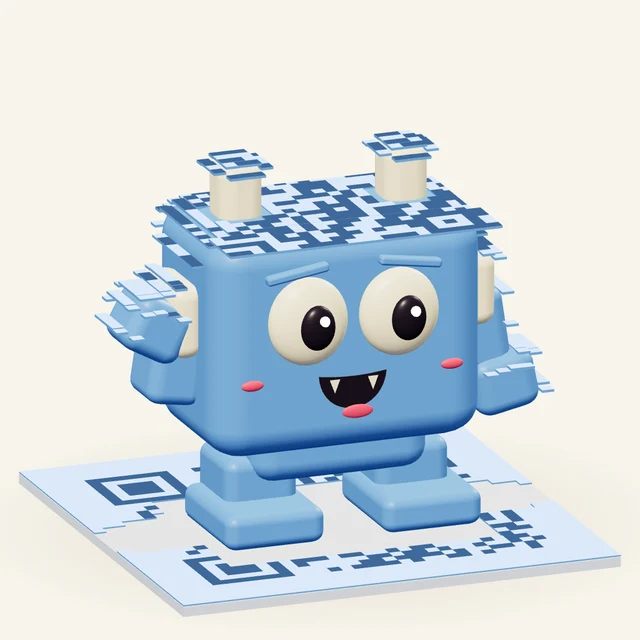 Momo
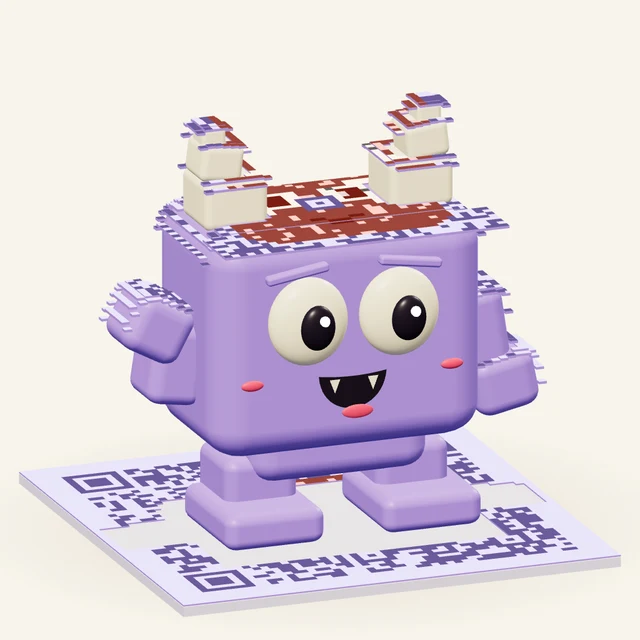 Peek
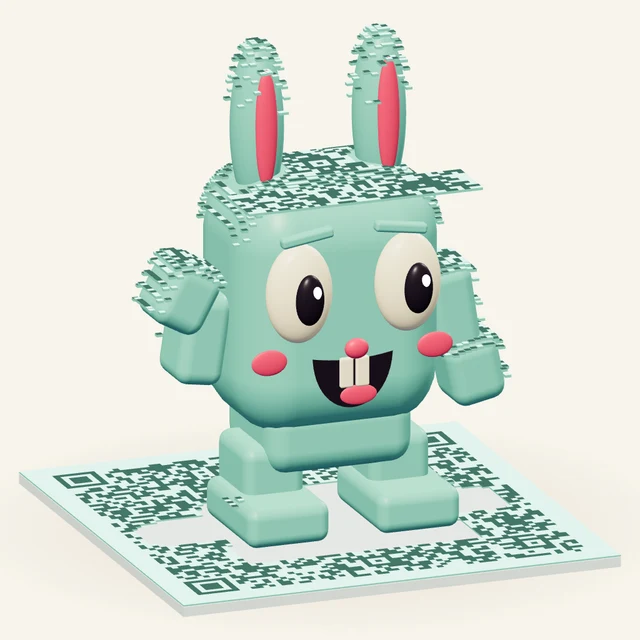 Bunny
The three supplied examples: Momo, Peek with a logo, and Bunny as a contact card.
Momo, blue and without a logo, contains a link to QR Petz. This is the simplest case: the code opens a web address. View Momo’s QR PNG.

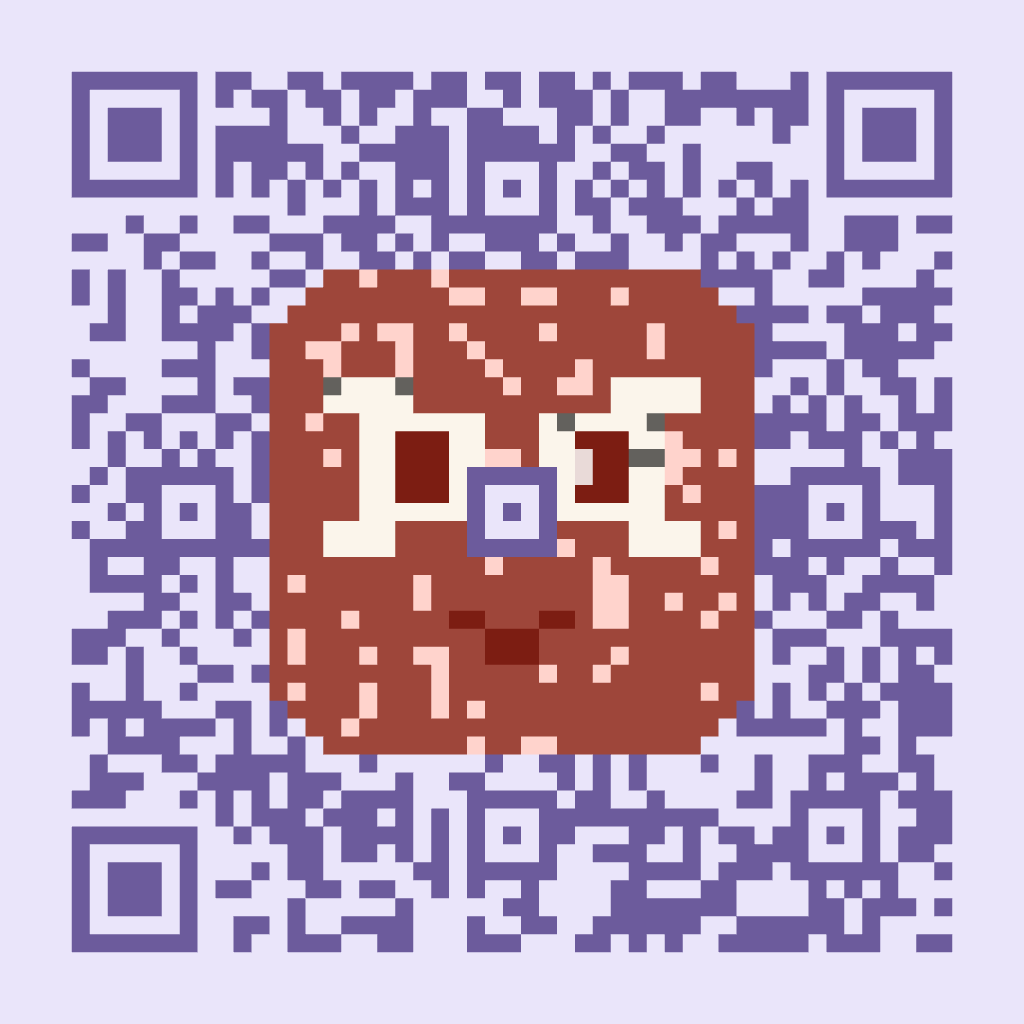
Peek, in lavender, contains the same address with the QR Petz logo added. This lets us compare the two visual treatments without changing the destination. View Peek’s QR PNG.
Bunny, in mint green, contains a contact record in vCard format. Here the QR code holds the contact details themselves. Reading it may prompt a phone to save them to its contacts. View Bunny’s QR PNG.
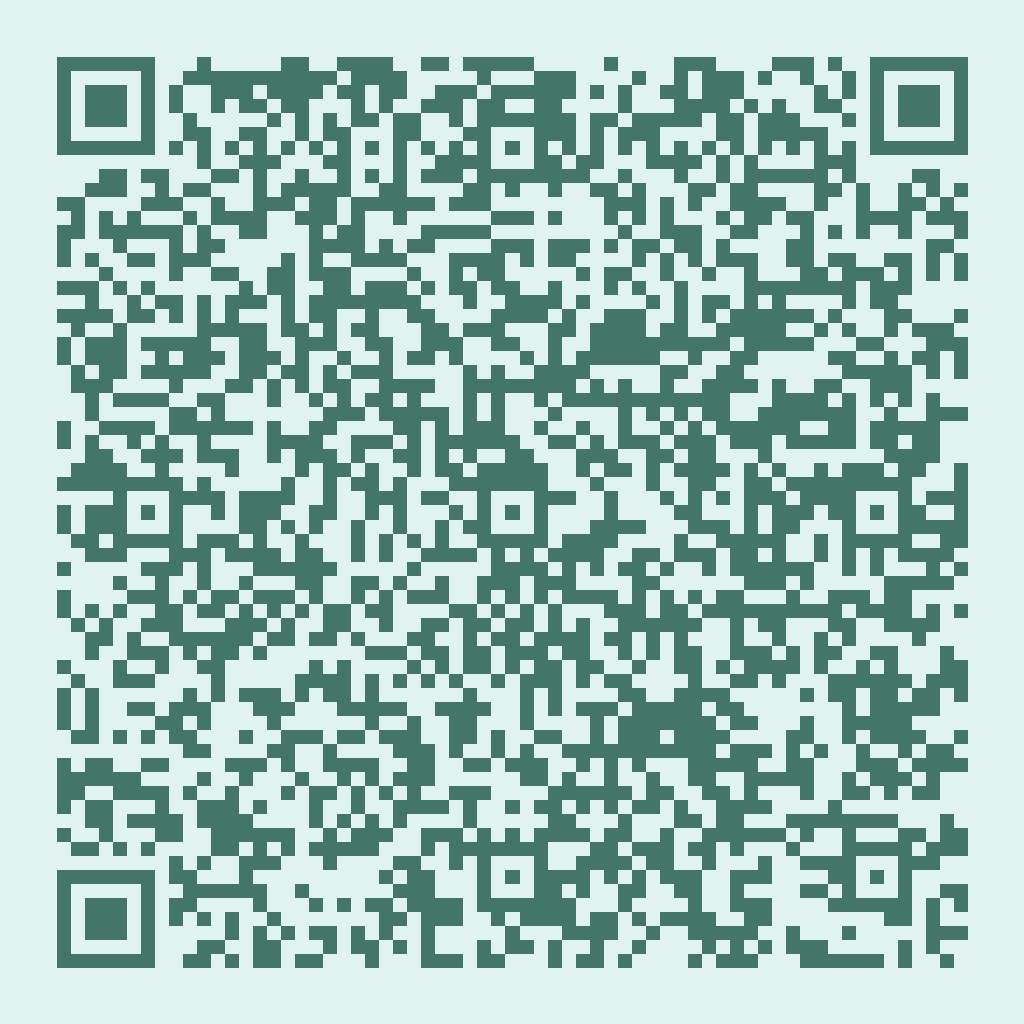
We read all six supplied files on a Mac: one PNG and one SVG for each of the three QR codes. Every file returned exactly the expected link or contact details.
This result covers three QR codes and their digital files. We did not test printed copies or phone cameras.
Davendra separately reports printing a sheet of 18 codes between 30 and 50 mm wide, all read with an iPhone and an Android phone. The models were not recorded, and the tests took place indoors. He recommends a width of at least 3 cm for codes with logos. These remain the creator’s tests and do not replace checking your own printed proof.
Free files for artwork and scanning
QR Petz is available without registration. Davendra confirms in writing that personal and commercial use is free, including the characters and videos, with no credit required.
Each supplied example includes a portrait, PNG and SVG QR files, an editable project and a silent eight-second video. The three videos are square, at 1,080 × 1,080 pixels. The studio also offers a vertical format.
The portrait can illustrate a card or a page; the video shows the transformation in a post. The flat QR remains the file to use on the item you want people to scan. Before a print run, check that file at its intended printed size.
Projects are stored in the browser. Exporting one keeps a separate copy, useful when switching devices or clearing browser data.
QR Petz’s appeal lies in the connection between the square pattern and the character that emerges from it. The examples gave us readable files and illustrations that share the same construction. To explore the process, the clearest demonstration is to create a character in the studio and watch it change angle.
Sources and checking method
Source: correspondence with Davendra Patel on October 27 and 28, 2026. Examples and visuals supplied by the creator for this article; files checked by QRBench on October 29.
Technical check on October 29, 2026: original 1,024 × 1,024-pixel PNGs and rendered SVGs, read with Apple Vision on macOS. This is a different decoder from jsQR and ZXing, which QR Petz uses. The decoded content exactly matches the supplied projects, including the vCard fields.
Share this article